Your business. Your workflows.
Finally running on one platform
you always wanted.


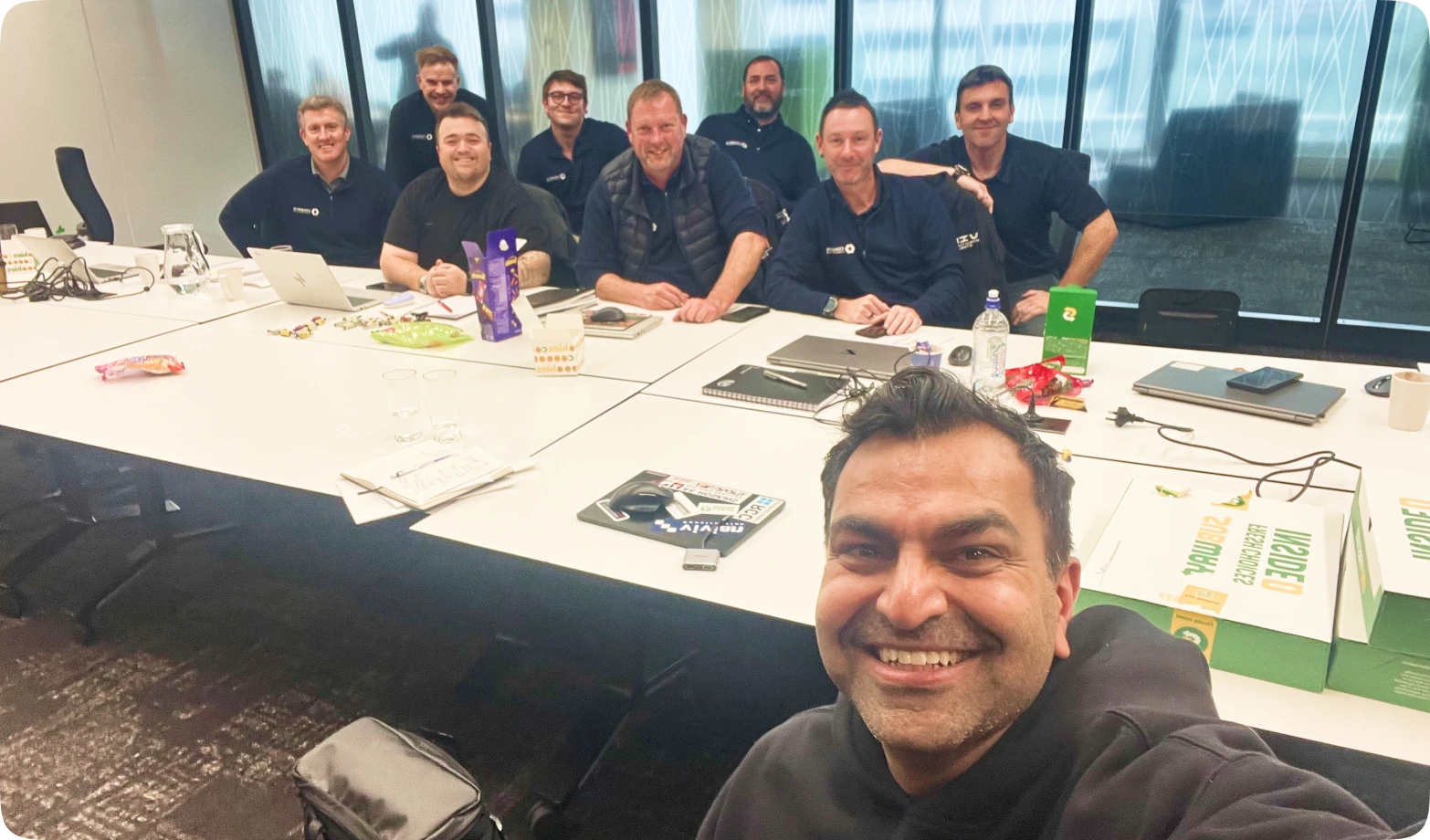


Four simple steps.
Not a cookie-cutter software handover. No assumptions. No generic rollout. Built around how your business actually works.
- 01Workspace SetupBefore we arrive
- 02Project Delivery & HSEQOn-site, champion team
- 03Commercial & FinanceOn-site, commercial team
- 04Go Live & Wider Team RolloutConfiguration, go-live & team rollout
Everything you need to get you started on a better way to build.
Four simple steps. Structured around your business. Paced around live work.

A pre-session call, roughly a week out.
We walk through what to pull together beforehand and sort the IT side early. The more context you give us, the faster your workspace reflects your business.
- 01
Your workspace is built
around your business
before we arrive.
Assemble your legenDS.
Not everyone. The right people. The ones you turn to when something needs doing without too much instruction. They lead the implementation and become your internal experts.

During the sessions your team gets hands-on with drawings, your construction programme, RFIs, Site Instructions, and site forms. Since we're in your office, everything is already to hand.
Your workspace is seeded with your data before we arrive. By the time we leave, your team has navigated their own drawings, cost codes, notices, and site forms.
Hands-on means your team is in the platform throughout. By the time the on-site sessions wrap, your people have done the work themselves rather than watching someone else do it.
One nominated project (live or sandbox) is active in Deep Space before we leave. Your champion team knows the platform. The wider rollout follows from there.
- 02
Your champion team,
hands-on from hour one.
An orientation for your champion team, not a company-wide rollout. Yourteam works through every delivery and site module on your own project data,building the familiarity that drives adoption.
- Foundational SetupYour cost codes, cost types, and budget categories. The structural foundation every module runs on. Locked in early so the rest of the session builds on your own framework.
- Documentation &
PortalsHow to upload your drawings, organise them, set up your document register, revision control, and share with external stakeholders. - Programme &
ProcurementYour construction programme file pulled in, how to run it from there in Deep Space, and how to share it with external parties. - DeliveryHow to issue notices such as RFIs end-to-end, Site Instructions, meeting minutes, and correspondence.
- HSEQ & DS SiteA walkthrough of the DS Site mobile app and its configurability. Default forms are already loaded. This session is about possibilities you never had with your previous systems.

- 03
Your commercial team
sees the full financial
picture, end-to-end.Your QS, estimators, contract admins, and directors come in for this component. We follow the natural sequence of how you actually run a project, from the first opportunity through to getting paid. Nothing out of order. Nothing that doesn't make sense in the room.
- Opportunity & Pre- ConstructionFrom the first sniff of an opportunity through to a tender submission. Your pipeline, your tenders, your proposals. All in one place.
- Subcontractor TenderingPackages out to subbies via a secure link, bids back in one place for comparison. No portals to sign up to, no spreadsheet chaos. Your existing estimating process stays intact. We build the import around it.
- Estimating & Budget RegisterYour final estimate becomes your baseline budget. One import and your project is financially live in Deep Space. Tracked, visible, and ready to run against.
- Procurement & POsSupplier POs and subcontract agreements raised, approved, and signed. Every commitment tracked against your budget in real time.
- Invoicing & ClaimsSubcontractor claims submitted through the portal, reviewed, approved, and issued with a compliant payment schedule. Actuals tracked, retention managed. No spreadsheet required.
- Client InvoicingProgress claims to your client, variations included, payment schedules recorded and revised. Your client gets a clean view through their own portal.
- Forecasting & ReportingCash flow, cost to complete, committed vs actual, margin. The numbers your directors need to run the business. We walk through how Deep Space surfaces this in real time and what your reporting and dashboard setup looks like.
Close Out & Next Steps. Where you landed across the sessions, what gets configured before go-live, and the handover to your implementation consultant and team of legenDS for the configuration phase.

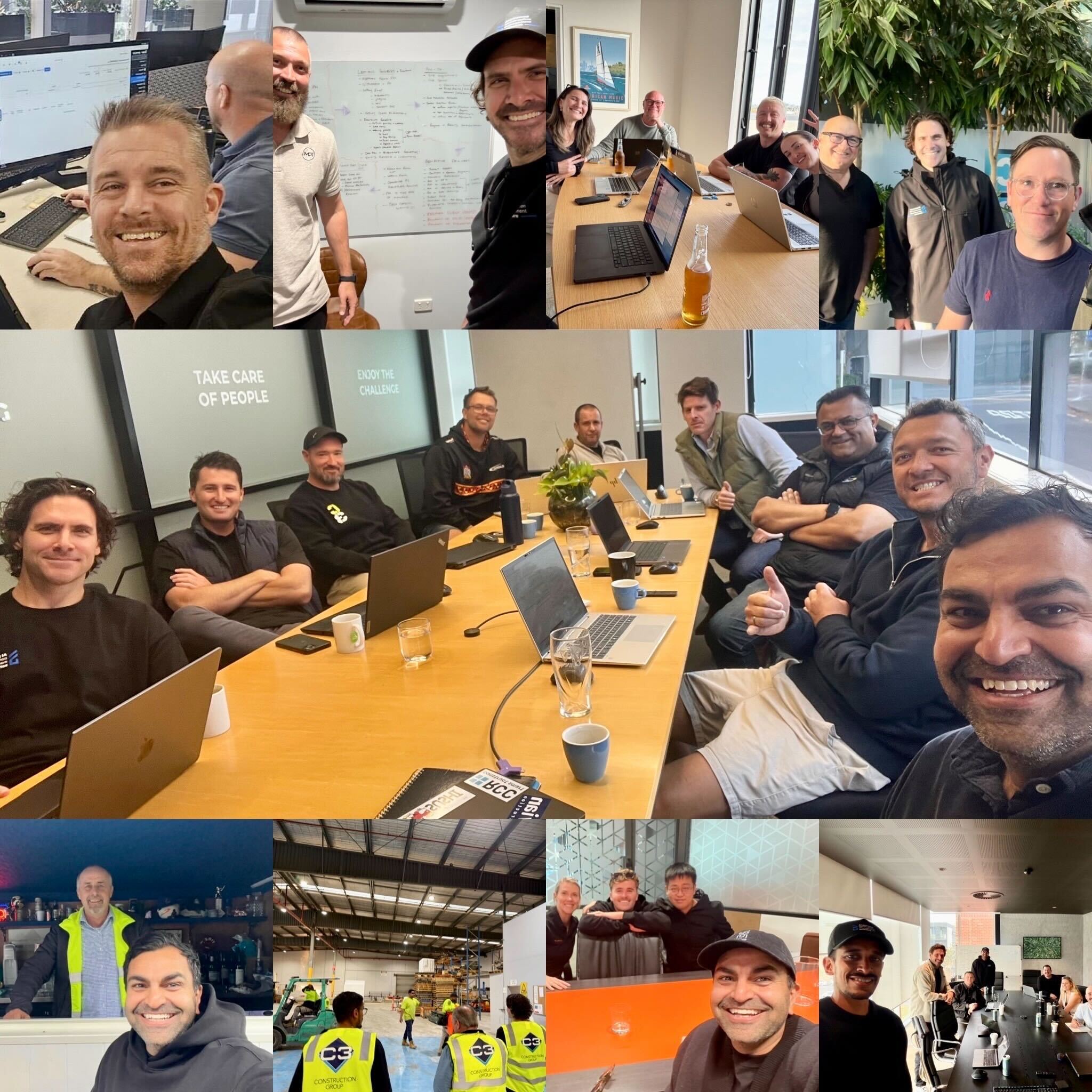
- 04
Your business running on Deep Space. Every team, every role, fully live.

The on-site sessions get you started. What follows is where Deep Spacebecomes yours. Your dedicated Deep Space implementation lead works through the configuration phase with you. Site forms built to your workflows, approval chains set the way you run them, commercial templates structured for how you price and claim, access configured by role across your team. The platform reflects your business, not a template.
01
Xero connected. Invoice
processing live.
Xero integration established and tested. Your accounts inbox connected so approved invoices and claims flow directly, no double entry, no manual reconciliation.
02
Your first project running.
New work starts here.
The nominated project from the sessions goes fully live. New projects start in Deep Space from this point. Existing work in your current system runs to completion in parallel with no forced migration, no pressure.
03
Your wider team
onboarded by role.
As more of your team comes on, sessions are run by role and paced around live work. Estimators on tendering. QSs and CAs on procurement, claims, and client invoicing. PMs on delivery and project financials. Site managers on HSEQ and DS Site. Each person trained on what they actually use, when they actually need it.
This typically takes 8 to 10 days over 3 to 6 months. This is what every customer gets, regardless of size or where you're coming from.
 Your workspace seeded with your project data before we arrive. Not a template, not a demo environment.
- All your logins created and tested before the sessions start.
- Your site forms configured into DS Site so the HSEQ session is a showcase, not a setup exercise.
- 2 to 3 days (minimum) on site, in person, with your champion team. Not a recorded walkthrough sent to your inbox. Additional in-person sessions as required.
- Regular check-ins locked in before we leave. Not ad hoc, scheduled and owned.
- Day-to-day platform support via email, how to use it, where to find things, and what to do when something doesn't look right.
- Commercial and financial templates configured for your business.


The on-site sessions land well when both sides are prepared. This is what moves the needle on your end.
- A team of legenDS who own the implementation together and commit to making the change. Change is hard. But it's what you need to see the shift.
- Your artefacts sent ahead of time. Your workspace is only as good as what we have to build it with.
- Your legenDS in the room. Attendance from the right people is what drives adoption, every session, not just the first one.
- One nominated project (live or sandbox) agreed before we arrive. Everything is built around it.
- Your IT sorted ahead of the pre-session call. Email integration approval can take a few days and needs to go in early.
.png)


.png)